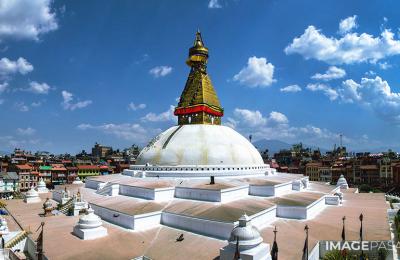
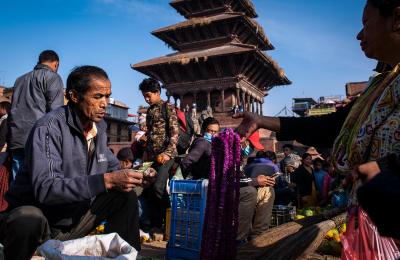
A great photo can still go unsold if buyers can’t find it, can’t legally use it, or can’t print it. Before you upload to Image Pasal, run through this checklist. It takes a few minutes per photo and makes your work easier to find, approve and license.
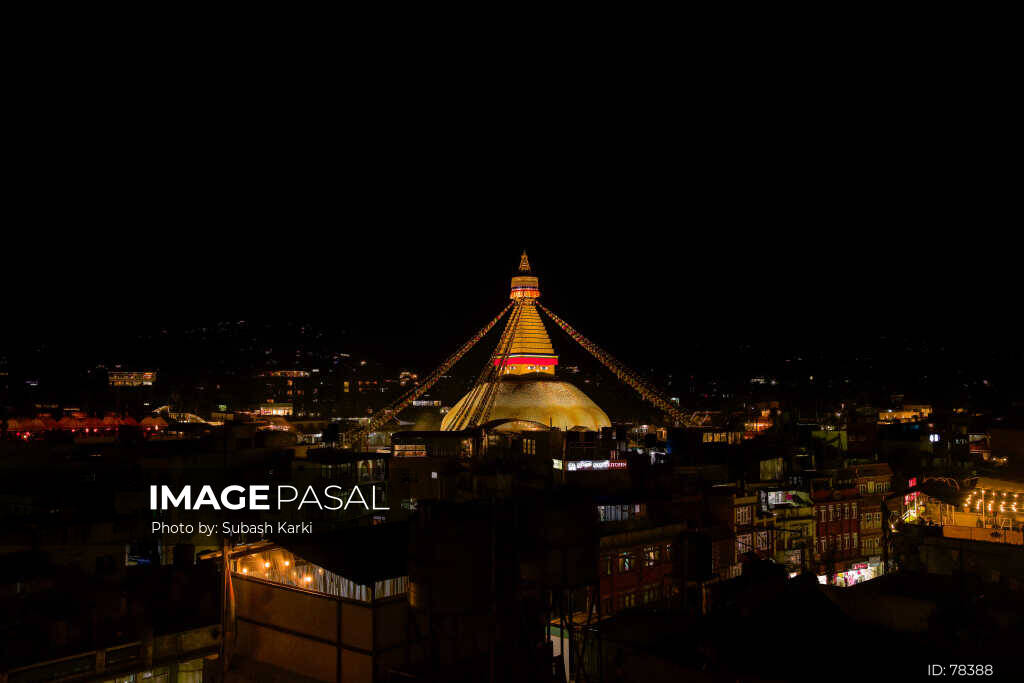
1. Technical Quality
- Sharp focus on the main subject. Zoom to 100% and check.
- Correct exposure. No blown-out skies or crushed shadows unless it’s a deliberate style.
- Low noise. Use the lowest ISO the light allows, and reduce noise gently when editing.
- Straight horizons and upright buildings.
- Clean sensor. Check skies for dust spots and remove them.
2. File and Resolution
- Upload the full-resolution original, not a resized or social media copy. Buyers pay most for the Large size.
- Save as a high-quality JPG in sRGB colour.
- Aim for print quality. Image Pasal Quests ask for at least 300 DPI, and buyers who print want the same.
3. Editing
- Keep it natural. Adjust brightness, contrast, white balance and colour, but avoid heavy filters.
- No AI generation. Image Pasal sells real photography only.
- Don’t add watermarks, borders or text. The site protects your previews; buyers need a clean file.
4. Title
Write a clear, specific title that says what, where and, when useful, when.
- Weak: “Beautiful view”
- Strong: “Boudhanath Stupa Lit Up at Night, Kathmandu”
5. Description and Caption
Add one or two sentences of context: what is happening, where, and anything a buyer or editor would want to know. For news and events, include the date.
6. Keywords and Tags
Think like a buyer. What would they type to find this photo? Add 10 to 20 relevant keywords:
- Place: Kathmandu, Boudha, Nepal
- Subject: stupa, Buddhist, temple, architecture
- Time and mood: night, lights, peaceful
- Use: travel, tourism, heritage
Don’t stuff unrelated keywords. It makes your photos harder to trust and harder to find.
7. Category
Choose the category that fits best, such as Landscape, Culture, Food, Aerial or Night. Some categories have far fewer photos, so a good fit there gets more attention. See what sells on Image Pasal for where the gaps are.
8. Creative or Editorial?
This choice decides how buyers can use your photo.
| Creative | Editorial | |
|---|---|---|
| Allowed uses | Commercial: ads, websites, packaging, print | News, education and commentary only |
| Recognisable people | Only with their permission (a model release) | Allowed without a release |
| Logos, brands, private property | Should not appear | Allowed |
| Typical examples | Landscapes, food, objects, posed portraits | Festivals, crowds, protests, news events |
If you’re unsure, choose editorial. Read the editorial licence and terms and conditions for details.
9. Permissions and Respect
- Ask before photographing people, especially children and people at prayer.
- Get written permission if you want to sell a recognisable person’s photo for commercial use.
- Follow local rules at temples, monasteries and protected areas, including drone rules.
10. Only Your Own Work
Upload only photos you took yourself. Copying or re-uploading someone else’s work leads to removal and can close your account.
The Quick Version
- Sharp, well exposed, full resolution
- Natural edit, no AI, no watermark
- Specific title and short description
- 10–20 honest keywords
- Right category
- Creative or editorial chosen correctly
- Permission from people where needed
- Your own work
Ready? Create your photographer account and upload your first checked set. New to selling? Start with our guide on how to sell your photos online in Nepal.