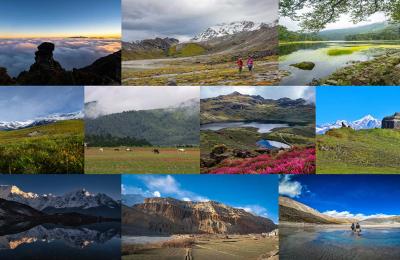
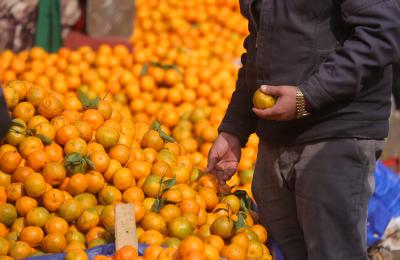
Image Pasal has more than 11,000 real photos of Nepal by Nepali photographers. Whether you need an image for a website, brochure, report, book or wall, here’s how to find the right one, choose the right licence and size, and buy it in a few minutes.
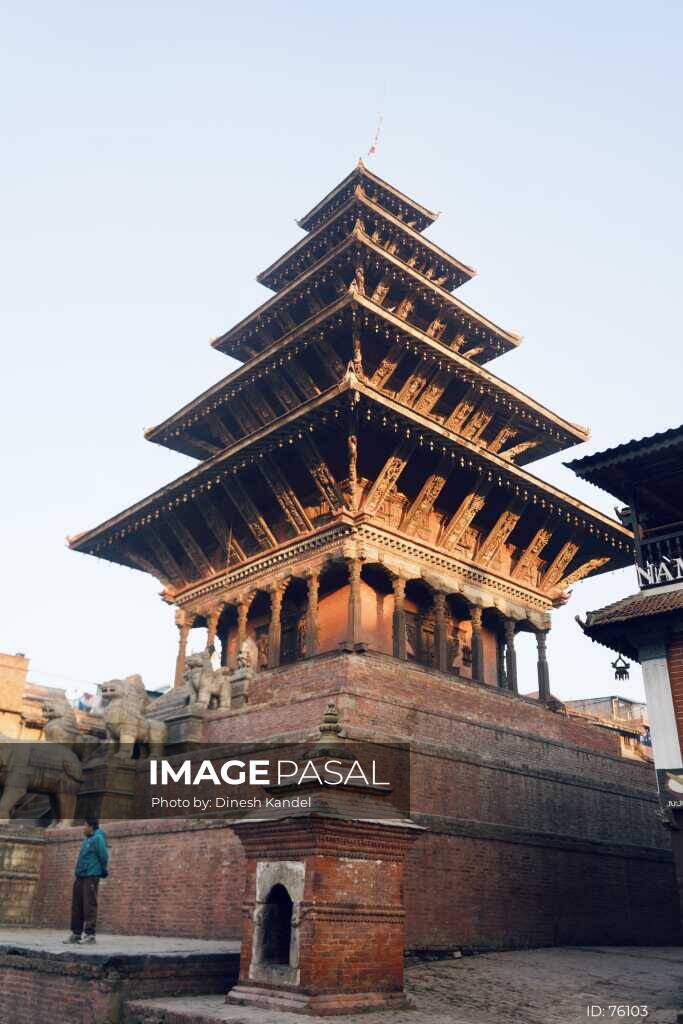
1. Search or Browse by Collection
Type what you need in the search bar: a place (“Rara Lake”), a festival (“Bisket Jatra”), a subject (“farmer”, “momo”) or a mood (“foggy morning”). Or start from the collections page, which groups photos into themes such as Landscape, Culture, Wildlife, Food, Aerial and Night.
2. Check Creative vs Editorial
| Creative | Editorial | |
|---|---|---|
| Use for | Commercial work: websites, ads, packaging, print | News, education and commentary only |
| Not for | Uses restricted in the licence terms | Advertising or promotion |
| Photographer credit | Not required | Required next to the photo or in credits |
Photos marked Editorial show a notice on the photo page. Read the full licence terms and editorial information.
3. Choose a Size
| Size | Width | Price | Good for |
|---|---|---|---|
| Small | 800 px | NPR 1,000 | Social media, blog posts, presentations |
| Medium | 1920 px | NPR 5,000 | Website banners, full-screen slides |
| Large | Full resolution | NPR 15,000 | Print, brochures, billboards, books |
The exact pixel size of each option is shown on the photo page. These are the standard sizes for most photos.
4. Pay Once, Use Again
All photos are royalty-free: you pay the licence fee once and can reuse the photo in your project without paying again. The licence is worldwide and has no expiry, but it is non-exclusive, so other customers can license the same photo.
5. Download
Once payment is complete, download your file straight away from your account.
Want It on Your Wall?
Choose Buy the Print Copy on any photo page to order a framed photo print or a canvas print.
Changed Your Mind?
You can request a refund within 30 days if you haven’t used the licensed photo. Send a written request or use the cancellation option on the website.
Tips for Choosing the Right Photo
- Leave room for text: look for photos with clean sky or background.
- Match orientation to your layout: horizontal for web banners, vertical for posters and social stories.
- For campaigns, pick a few photos by the same photographer for a consistent look; click the photographer’s name to see their portfolio.
- For anything printed large, choose the Large size.
Start browsing: Landscape, Culture, Featured Printable.